Few things feel worse than connecting your phone and realizing it isn’t powering up. Right now, when everyone’s plugged in all the time, a flat battery isn’t just annoying – it messes with your whole flow.
Sure, you might blame the cord or adapter first, but truth is, we check tons of phones at FixMyPhoneKSA in Riyadh and spot dirty or broken ports way more than folks expect. When your gadget won’t charge, hold off on freaking out – there’s solid fixes waiting.
First Step: Rule Out the Obvious
Hold off on visiting that neighborhood cell fix spot – first, check if easier issues could be causing trouble.
- Give another cable a go – or swap in a different charger. It’s key. Grab someone else’s adapter, or test one that’s been reliable before. Wires sometimes break inside without showing it, while chargers just stop working out of nowhere.
- See if it’s getting power: test the plug by using another outlet – or hook it up to a USB on your laptop instead.
- Give your phone a restart – every now and then, odd bugs stop it from charging. Try turning it off and on again; that usually fixes small hiccups.
If those simple fixes don’t fix the “phone won’t charge” issue, then the problem’s probably right there at the charging hole.
Diagnosing a Damaged Charging Port
Here’s a way to tell whether fixing your phone’s charger socket is what’ll help. Watch out for signs like these:
- Lose touch? If the cord shakes too much once you plug it in – or works just when tilted a specific way – chances are the inside link’s gone bad.
- Your phone powers up for a moment – pauses on its own – then jumps back to charging outta nowhere.
- No link spotted: your phone stays dead when you plug in the cable.
- Check the port carefully – notice any broken pins, rust, or stuff that doesn’t belong?
- Charging port’s gotta be clean – gunk like fuzz or dirt piles up after a while, blocking the plug from seating right. That mess? It’s usually why phones won’t charge properly.
The DIY Approach: Cleaning Your Charging Port (with Caution!)
If your port’s blocked, trying a homemade fix could work. Still, move carefully – or you might make things worse.
- Switch off your device – this stops electrical damage from happening.
- Gently work with something made from wood – like a toothpick – or try a piece made of stiff plastic instead. Skip anything metallic, such as unfolded paper fasteners, since those might spark trouble inside by touching spots they shouldn’t.
- Carefully slide the tool inside, then lightly run it along the edges to loosen gunk and fuzz – see what builds up? It’s wild how much stuff hides there.
- Give it a quick blast – once you’ve scraped away the gunk, hit the area with compressed air or a light puff to kick out whatever’s left.
- If scrubbing things clean fails – also when you notice actual harm such as warped prongs – it’s best to get expert support.
When to Seek Professional Phone Charging Port Repair
If your device has problems like a cracked charger slot or messed-up wiring inside, you’ll need help from someone who knows what they’re doing. Trying to fix tricky stuff on your own – especially without proper gear or know-how – might wreck it for good.
FixMyPhoneKSA handles all kinds of phone charging port fixes – whether it’s an iPhone, Samsung, or any other Android brand. Got a loose connection? We’ve got skilled techs in Riyadh who know how to fix it fast.
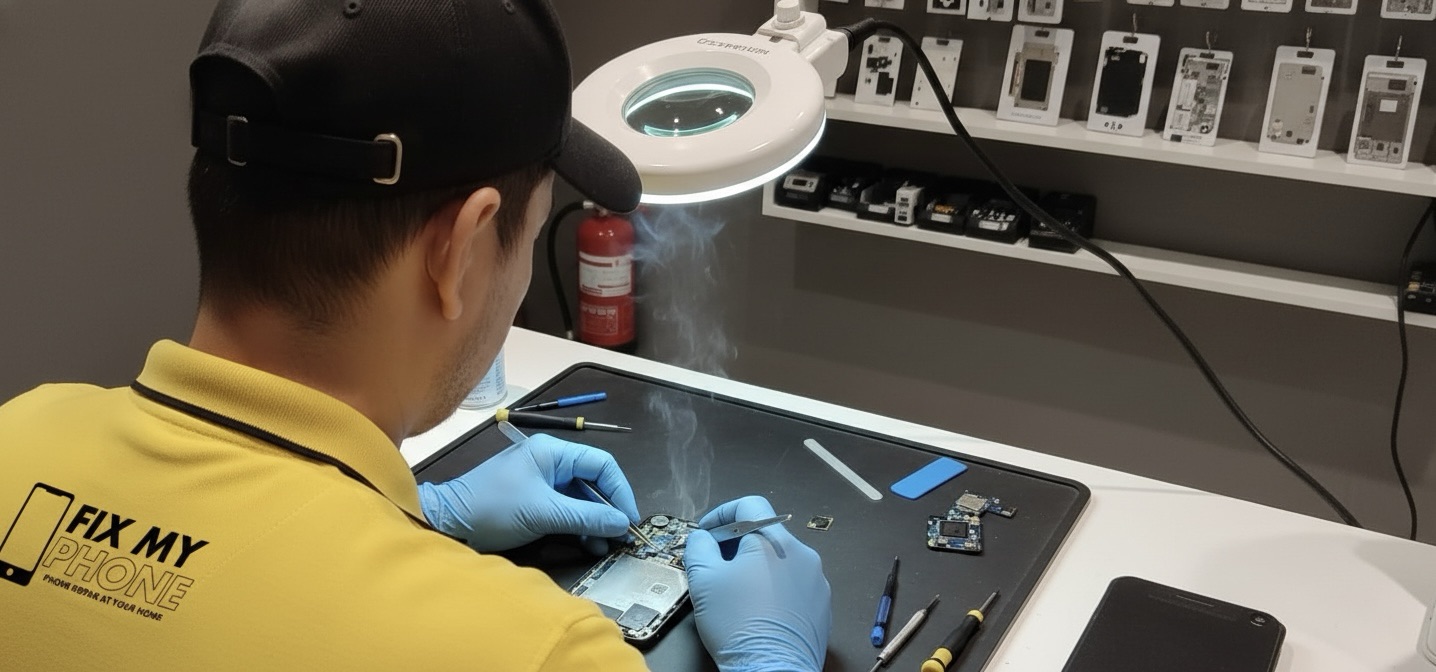
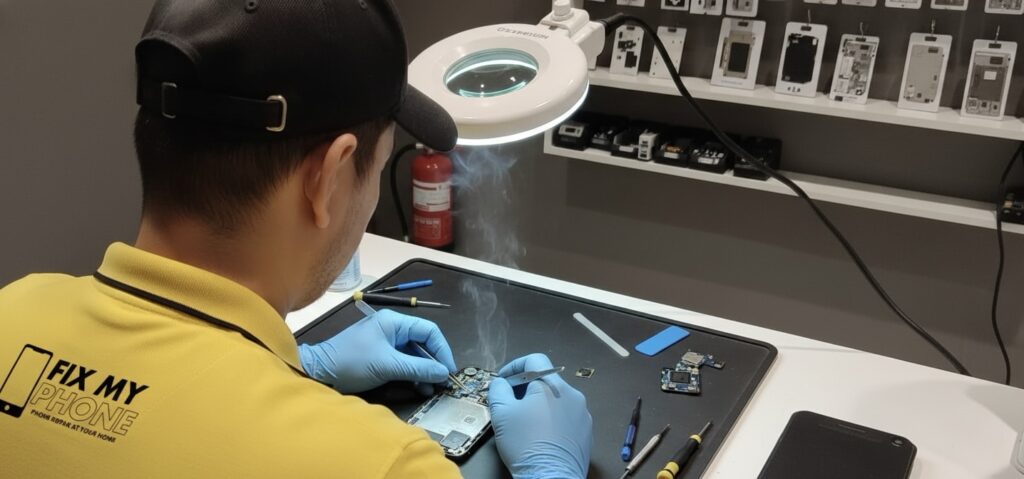
Instead of guessing what’s wrong, they use precise gear that gets right into the tiny parts. No guesswork involved. Whether your charger wiggles too much or doesn’t work at all, these guys sort it out quickly:
- Check carefully: we pinpoint exactly what’s wrong with the broken charger opening fix.
- Precisely fresh: Our method tackles stuck-on grime at a deeper level, since home tricks often fall short.
- Swap out the charging port if it’s broken or too used – install a solid matching piece that works just right.
- Fix inside issues: Now and then, the plug hole works just right, yet trouble comes from a tiny power chip within – something our techs spot fast while sorting out similar glitches.
Stuck with a broken charger hole? Don’t sweat it – your tech life doesn’t have to pause. When your mobile won’t juice up, head over to FixMyPhoneKSA in Riyadh. They fix things fast without draining your wallet, so you’re back online before you know it.
Contact Us
WhatsApp: 0508289927